Cozy Bear Cottage
Built at Meta Global AI Developer Hackathon · Oct 26, 2026 · Remote
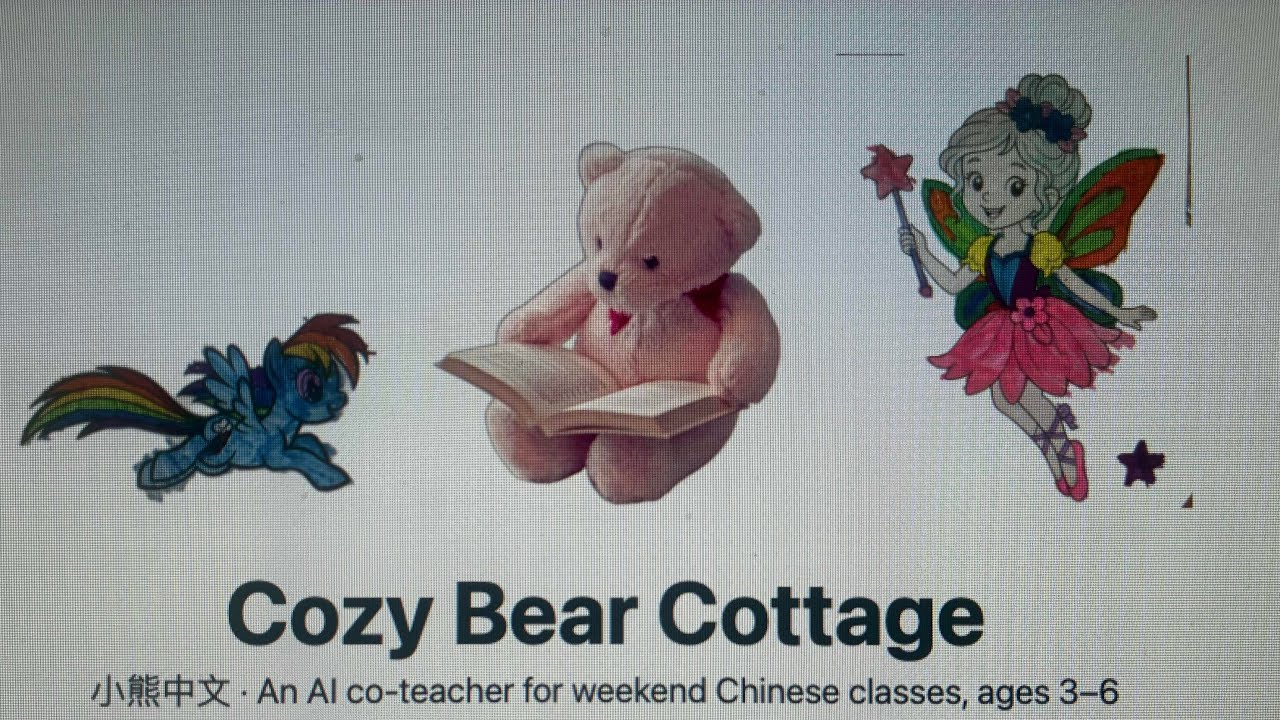
Project name: Cozy Bear Cottage 小熊中文 Tagline: An AI co-teacher for weekend Chinese classes: Muse Spark builds the lesson, Muse Image draws the flashcards, and children tap real artwork to hear and learn Chinese words. Live app: https://cozybear-cottage.vercel.app Built entirely during hackathon week: everything in this project was created during hackathon week, October 26–31, 2026 — designed, built, and launched live from start to finish inside the hackathon timeframe (October 26 – November 4, 2026). Cozy Bear Cottage is an AI co-teacher for weekend Chinese classes for children ages 3–6, grown out of a real Saturday-morning class in Bear, Delaware, taught by the team lead. A teacher picks a theme and an age range; Cozy Bear builds the complete 45-minute lesson and then lives inside it with the children. Five tabs: 1. Lesson Builder 备课 — Muse Spark 1.3 generates the full lesson as structured JSON: words of the week, a story, games, and a word-for-word teaching script. A Sing-along player brings the theme's song from the Chinese Playtime catalog into the lesson, with spoken karaoke. 2. Living Flashcards 单词卡 — every word becomes a card illustrated by Muse Image 1.0, with tracing and coloring modes and a printable pack. 3. Point-and-Say 指着说 — children tap objects in a picture; the object is segmented (SAM 3.1) and named by Muse Spark — Chinese, pinyin, English — then spoken aloud in Mandarin (Web Speech API, zh-CN). Say it back, earn a star. Short clips add per-frame tracking to refine the highlight. 4. Kids' Artwork 孩子们的画 — the gallery: the Point-and-Say world is made of paintings by Vivian (4) and Evelyn (3), the team's young artists. Classmates can upload their own artwork with a title and artist name, and artwork can be emailed to the teacher. 5. About 关于我们 — the story, the team, and the Saturday class. Why it matters (Impact) This is not a demo persona: the class runs every Saturday, the teacher is the team lead, and the app replaces her Friday-evening lesson prep while giving 3–6-year-olds a way to learn language the way they learn everything — by touching, hearing, and repeating. The artwork inside the app was painted by children the same age as its users. How we used Meta AI (Tooling) - Muse Spark 1.3 — lesson generation (strict, validated JSON) and vision naming for Point-and-Say taps (Chinese / pinyin / English + bounding box), including a fallback chain that names a segmentation label when direct vision naming fails. - Muse Image 1.0 — a fresh flashcard illustration for every word. - SAM 3.1 — segmentation of tapped objects and video tracking across short clips. Today's live taps are served by a curated pack (26 pictures, 57 pre-mapped tap zones) while the SAM route completes integration — the full flow is diagrammed in the README. - All model calls go through one Vercel serverless proxy (POST /api/meta); the Meta API key exists only as a server secret and never reaches the browser. Technical notes (Depth) React 18 + Vite PWA on Vercel. App-level shared lesson state carries one generated lesson through flashcards, songs, and Point-and-Say. The proxy validates requests and parses model responses into strict shapes before the UI sees them. Every AI feature has a local fallback — bundled sample lesson, emoji flashcards, pre-mapped tap zones — so the app never dead-ends in a classroom. Lessons, stars, and song position persist in localStorage. Artwork email runs through a second function (POST /api/artwork) via Resend to the teacher inbox, applebearscabinet26@gmail.com. Team — listed here because the picker cannot find them A note on the team picker: the submission form's team picker cannot find our other team members — it returns "No approved attendees found" for each of them — so we list the full team here instead: - Yukui McDonald — Team Lead — applefan.ye@gmail.com - Patrick McDonald — team member — studyfrog123@yahoo.com - Xiaoyue He — designer and photographer — yollinhe1013@gmail.com - Shun Zhang — developer — xiyihuo@gmail.com Artwork credits (in the app, not platform members — under 18): Vivian McDonald, visual design & artwork; Evelyn McDonald, artwork.