S1
Built at Meta Global AI Developer Hackathon · Oct 26, 2026 · Remote
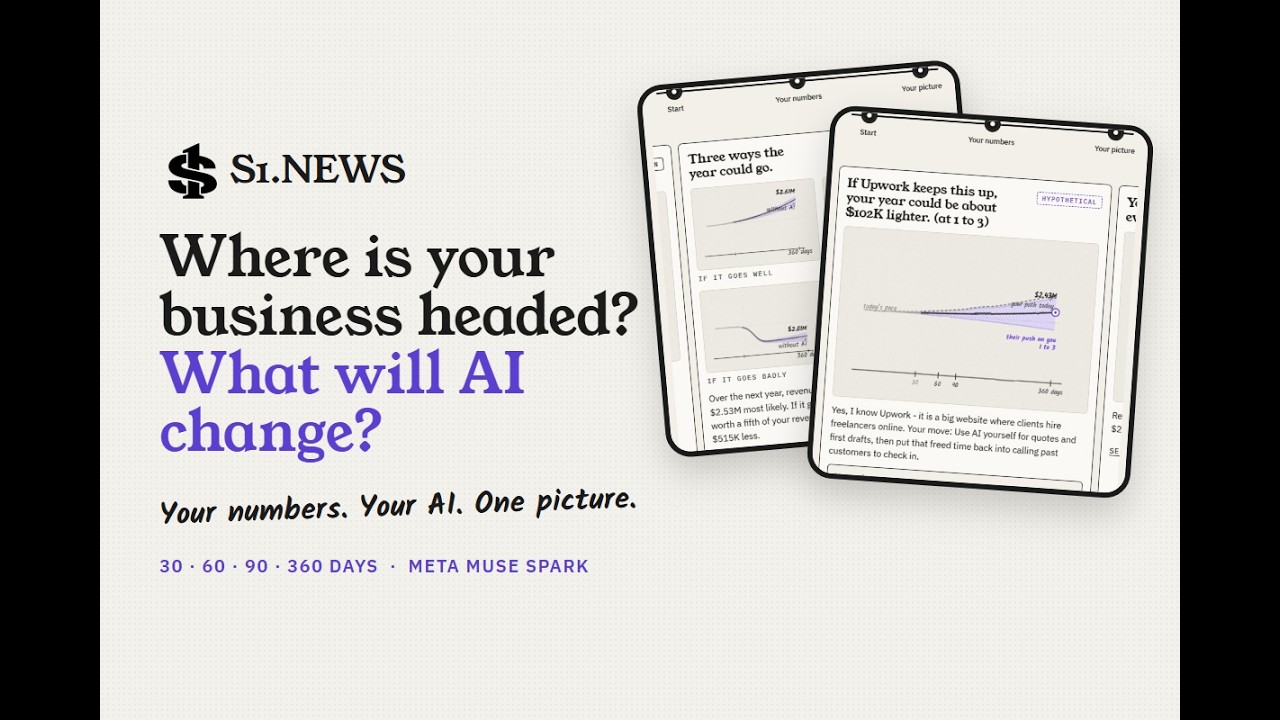
S1.NEWS shows a small business where it is headed 30, 60, 90 and 360 days out, and what AI could change along the way. Video: https://youtu.be/EoG45Np5TBI Live: https://s1.news Code (Apache 2.0): https://github.com/FludAI/s1-platform AI is changing what businesses spend, how they compete and which customers they keep. Big companies report it in their filings. A small business has no one tracking it; its numbers sit in a tax return, a profit and loss and a pile of AI invoices. How it works The owner pastes one request from s1.news into the AI they already use (Claude, ChatGPT or Meta AI), with their files attached. Their AI reads the files on their own account and sends S1 only the figures, each with where it was found: as a link, or through S1’s MCP connector, which can also send a whole tax return line by line with no names or ID numbers. S1 never sees the documents. S1 draws the business as pencil-sketch cards the owner can drag: where revenue is headed, the routine work AI could free up and what it costs, three ways the year could go (including a named bad case), and last year’s cash flow worked out from the return’s balance sheets. The last card is the competitor. Every chart before it assumes a market that just lets you keep playing, like Tetris. The owner names the business they lose customers to, and Meta’s Muse Spark estimates what that competitor’s AI push could do to the year, with the reasons and moves to make back. Every figure shows its source. Projections are labelled as projections, not promises. No tax advice. Under the hood, S1 works like Roblox for business prediction: builders bring blocks from a spreadsheet, a GitHub repository or an MCP server, and S1’s own MCP server (https://s1.news/mcp) opens its tools to any agent. The same engine reads public company filings, answers with cited passages and runs what-if scenarios. Muse Spark 1.3 is the default model: the competitor read, a peer group built from 64 10-K filings, entity graphs, cited answers and scenario proposals, with a deterministic engine doing the arithmetic. Try it: download the sample tax return (https://github.com/FludAI/s1-platform/blob/main/examples/sample-files/maple-street-form-1120-2025-sample.pdf), copy the request on s1.news > My business > Let your AI do it, paste it into your assistant with the file attached, then choose Check for my numbers. Built by a solo developer.