Paper Tour
Built at Meta Global AI Developer Hackathon · Oct 26, 2026 · Remote
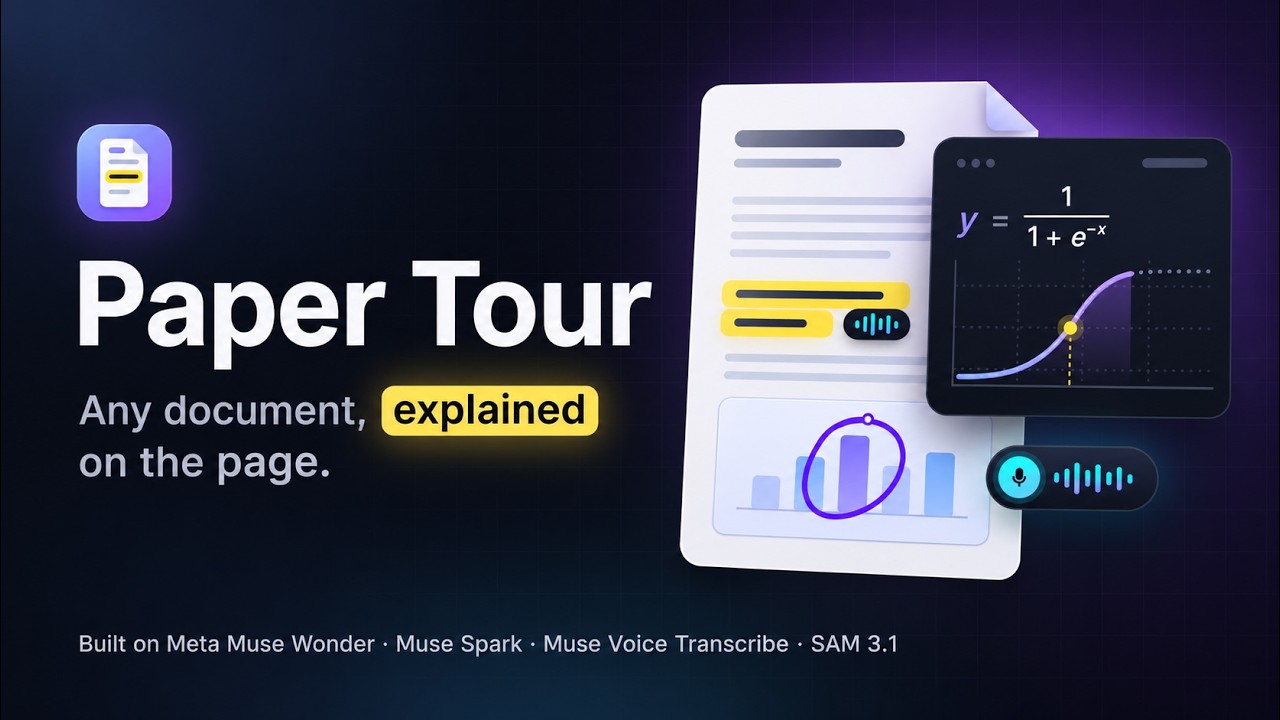
We built Paper Tour as a reading buddy for research papers. It explains difficult parts and shows the passage, figure or equation it is talking about. The original PDF stays at the centre of the experience. You upload a document and choose a quick overview, a detailed concept-based tour or a tour in paper order. You can set your background knowledge, explanation depth and reading speed. A small companion guides you through the paper, with highlights and annotations following the narration. The agent decides which ideas need attention and which tools help explain them. It searches passages, inspects figures and chooses between highlighting, drawing, explaining a formula or creating an interactive example. Explanations and visuals are generated for the document during tour creation and follow-up questions. The agent can mark important parts of an existing figure, compare table values in a chart and explain a mechanism through animation. Interactive examples include controls for exploring parameters. The source remains visible beside the explanation. Teaching examples are separated from results reported in the paper. You can pause, type or dictate a question, or select a region with your mouse. The agent uses the question and document context to explain that specific part. You can request simpler wording, more detail or another example. Short questions and hints help you check your understanding. Tours, conversations and reading progress are saved. A separate read-aloud mode follows the original prose. We remove citation markers, repeated headers and layout clutter from the spoken text. Equations, figures and tables receive explanations in context. Local macOS voices and browser text-to-speech provide the narration. Technically, we extract the PDF content and its position on each page. Meta's Muse models use the text and images to plan explanations and choose visual actions. Our reader connects these actions to the original document. Our main focus is research papers. We also built separate workflows for lecture slides and exercise sheets. We want to help researchers explore unfamiliar topics, students work through difficult material, and people who rely on text-to-speech use PDFs more comfortably. Readers keep control over the pace and can return to the source throughout the explanation.