Aleyna Çatak
Built at Meta Global AI Developer Hackathon · Oct 26, 2026 · Remote
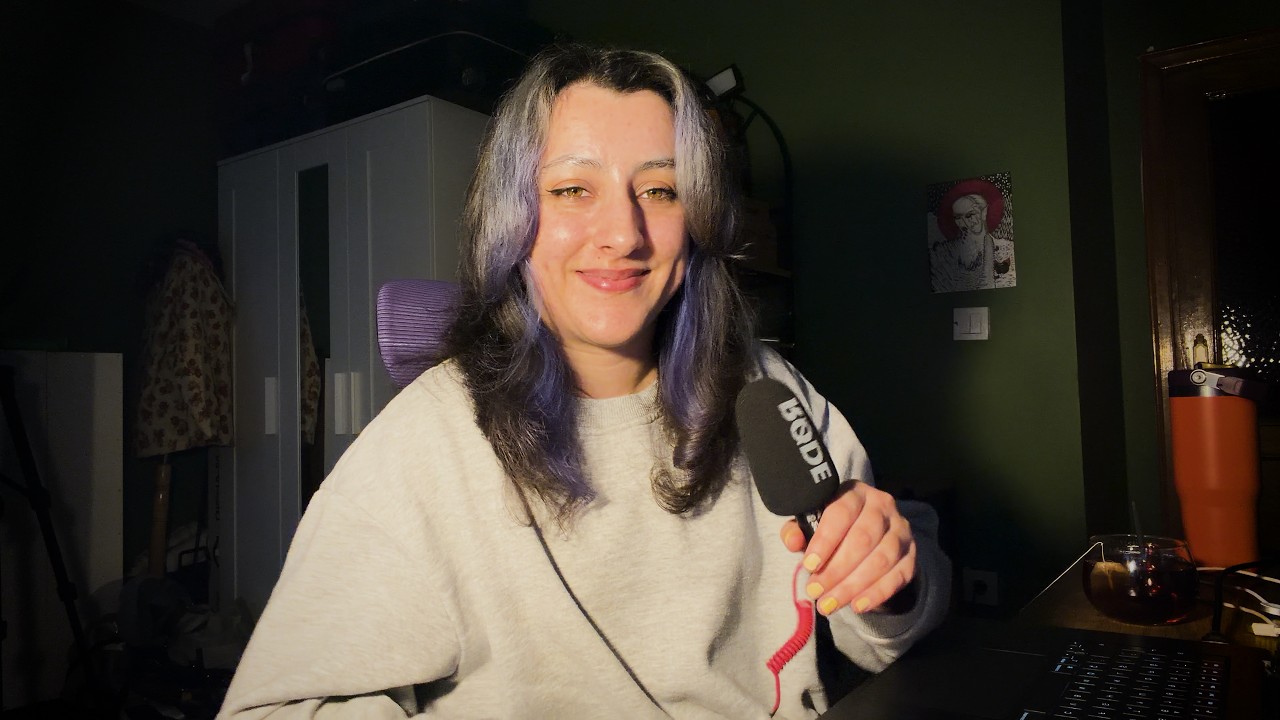
--FOR JUDGE DEMO CODES, PLEASE SEE BELOW-- Doppl: your design apps talk to each other. I'm a designer from Istanbul. A big part of my week isn't design. It's production: filling the same template forty times, cutting out product photos, making mockups, across Photoshop, Figma and InDesign. Most AI tools for this run a model on every single task. I wanted the opposite: use AI once to learn a task, then repeat it without AI. Doppl is a macOS app. I describe a production task once, in plain words, and Meta's Muse Spark turns it into a routine: a saved set of steps I can actually read, which runs inside my own apps. Photoshop and InDesign routines run as native scripts; Figma routines run through Doppl's own plugin. After that, a routine reruns with zero AI calls, the same way every time. How a routine is made: Muse Spark inspects my files, then builds the routine from tested building blocks. Where no block fits, it writes custom code, which Doppl marks so I always know what's new. Before I save, Doppl tries the routine on a copy. Muse Spark looks at the result and gets a chance to fix what it finds, and SAM 3.1 checks that key objects, like a logo, aren't cut off. Anything still wrong is flagged for me. Each attempt has a budget of 15 AI calls. Flows: every routine declares its inputs and outputs (spreadsheet rows, files, a document), so routines chain into flows across apps. A flow connects outputs to inputs and doesn't care which app is on either side. In the demo: Jam-a-dox, a made-up jam brand. Photoshop cuts out the fruit, Figma makes a label for every row of a spreadsheet, and Photoshop puts each label on a jar. Setting up the flow took about 40 AI calls (around $1.30). Rerunning it for six new flavors took about a minute, with no AI. File safety: Doppl works on copies by default, won't save a routine with unsafe steps like deleting files, and sorts out messy inputs before each run (semicolon CSVs, Turkish characters, files named "FINAL (1)"), using AI only if it can't place a spreadsheet column. Who it's for: designers who want to automate the repetitive part of their work without being developers, and without handing the design itself to AI. Built from scratch during the hackathon, Oct 27 – Nov 4, 2026. --DEMO CODES-- For judges, to try it live: install Doppl from the Releases page (steps in the README), then go to Settings → AI access and enter one of these codes, one per judge. Each allows 20 routine creations and is valid until Nov 20. DOPPL-LHCD-G97C-Y6TN DOPPL-FPFZ-SLDW-ZHUY DOPPL-7HXU-LGQ8-AZYV DOPPL-B8DL-KXVE-V6RW DOPPL-NXMP-ERAD-7Q6U DOPPL-G99W-3K79-PXFT DOPPL-PWJ8-45RV-CGZA DOPPL-9MLG-C6CC-CJE4 DOPPL-TB26-9Q9A-7QD9 DOPPL-AJFG-ZV7R-TH6M You need an Apple Silicon or Intel Mac and InDesign, Photoshop or the free Figma desktop app. Please keep these codes private; their uses are limited.