Jojo
Built at Meta Global AI Developer Hackathon · Oct 26, 2026 · Remote
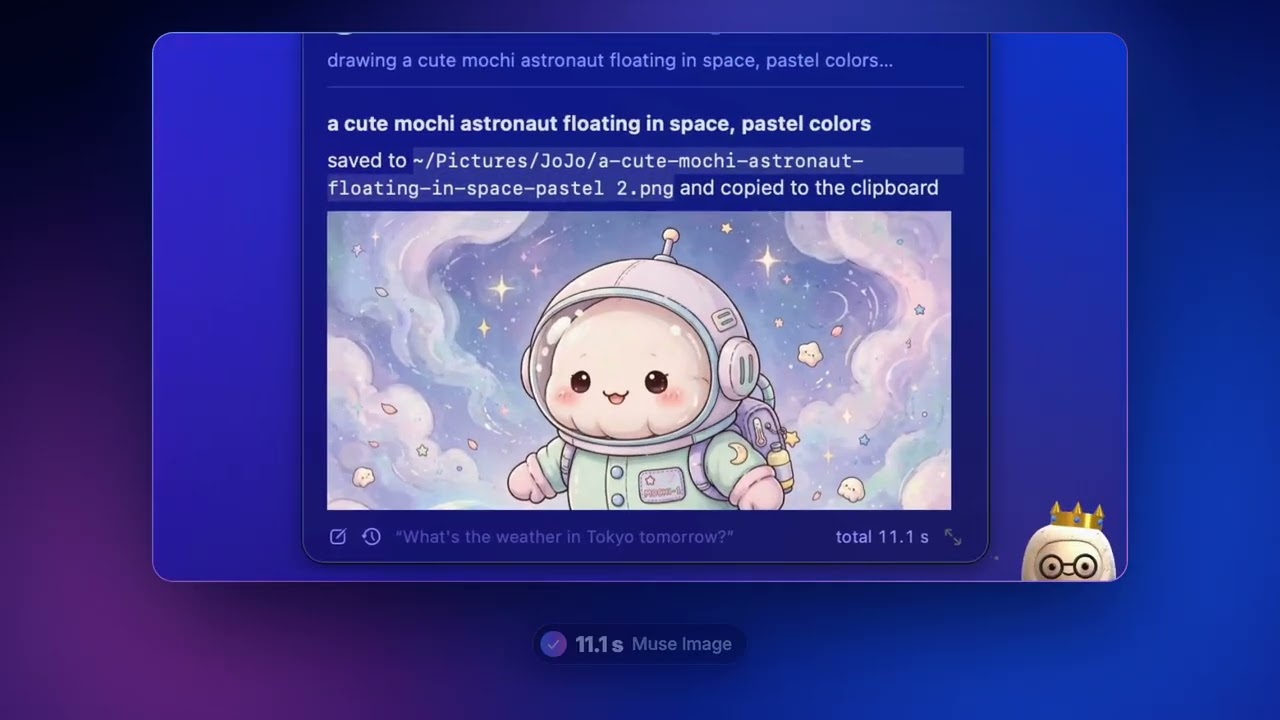
JoJo is a Mac assistant with a 3D mascot that lives on your desktop. Talk to it, type to it or drop a file on it, and it answers, acts on your Mac, writes code, remembers what matters and comes to you when something needs you, without ever moving your mouse or taking over your screen. Ask "dark mode" and it's done in 45 ms. Ask "open TextEdit and write a haiku about mochi" and it opens the app and writes it, while your pointer stays where it was. Ask "make a cute mochi catching game" and Muse Code builds a playable game in its own folder; follow-ups keep working on it. Drop a photo and ask "find the puppies", and SAM 3.1 outlines every one. It also does things on its own: "record this meeting" gives a summary, decisions and action items; "tell me when the build finishes" watches the window; "every weekday at 8, review my calendar" runs on schedule; "ask Scout to look into Acme" hands work to a helper JoJo; "in the background, find …" browses in JoJo's own browser while you keep your screen. Say "let's talk" for a hands-free conversation answered out loud. It remembers what you ask it to, notes what it learns about you and always says so, and asks before anything risky under rules you set. Under the hood, every request is routed in code: a catalog of instant commands (no model call, ~0.07 s), Muse Spark for questions (streamed, with Meta's built-in web search) and as a computer-use planner that reads the screen through the accessibility tree, Muse Code for coding, Muse Image for pictures and SAM 3.1 for finding things. Voice, talk mode and meeting notes run on Muse Voice Transcribe. Every JoJo feature is a tool Muse Spark calls from what you mean, so loosely worded requests land on the right one. What makes it different from other computer-use agents: it never moves your pointer. Clicks go through accessibility actions and events posted to the target window, and typing reaches apps in the background, so you keep working while JoJo works. The screen is read as text (15 to 90 ms), not screenshots, which keeps each planning round at about 2 s. Built during the hackathon, in native Swift: about 35,000 lines across 146 files and 358 automated tests. The mascot is a rigged 3D character animated in code: it reacts to your tone in 12 languages, catches files you drag to it, calls for attention when it needs you, can be dressed up, and recognises itself in pictures you send it. Adapted from open source (all MIT, credited in the README): browser-use/macos-harness (ported to Swift), the catalog design of kevinbadi/jev-voice, meta-models/muse-code-sdk (protocol shapes), and smaller pieces from Peekaboo, macos-automator-mcp and open-computer-use.