hadiproz
Built at Meta Global AI Developer Hackathon · Oct 26, 2026 · Remote
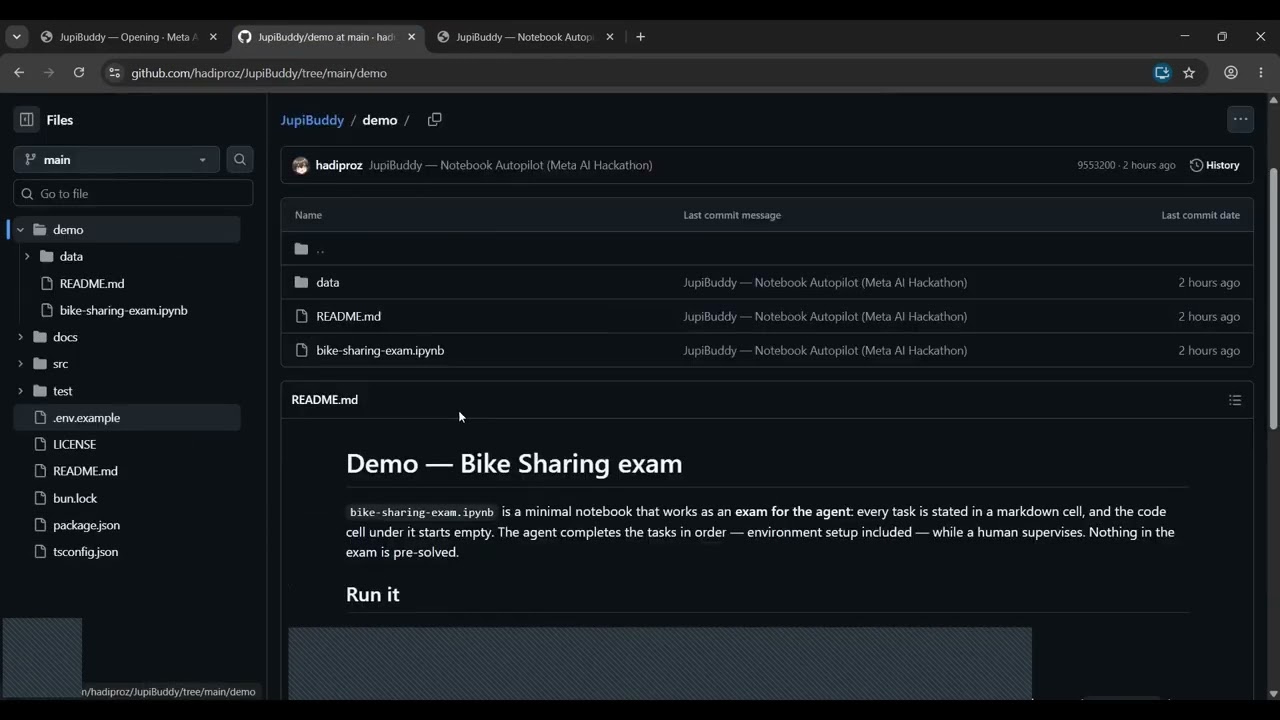
JupiBuddy is an agentic AI editor for Jupyter notebooks. Instead of chatting next to a notebook, an autonomous agent works inside it: it plans an analysis, acts through tool calls, observes the real outputs and errors, corrects its own mistakes, and iterates until the work is done — while the human supervises. The notebook is exposed through MCP (Model Context Protocol) as 33 tools covering the full Jupyter workflow. Inspection tools let the agent perceive live state — summaries, cell sources, outputs, kernel variables (get_variables), installed packages, kernel status — without swallowing the raw .ipynb JSON the way naive agents do (slow, token-hungry, blind to what the kernel actually holds). Editing tools let it restructure the notebook the way a human editor would — inserting, replacing (edit_cell), moving, splitting, and joining cells, changing cell types, clearing outputs, undoing and redoing changes. Execution tools run cell ranges on a real JupyterServerKernel (stock Python via jupyter_server) and control the kernel itself (run_cells, interrupt, restart, kernel selection). Notebook and environment tools manage everything around the analysis — creating, opening, and saving notebooks, writing files, installing packages (install_packages), and creating virtual environments. Every tool call is visible in the three-pane workbench, every cell shows whether a human or the agent wrote it, and the human stays in the loop: pause the run, approve steps, cancel queued work, undo what the agent did. Because the same MCP server is open to the outside, JupiBuddy is not tied to its built-in agent — any MCP-capable agent can drive the notebook through the identical tools, as the demo shows when Muse connects as an external client. JupiBuddy itself is a lightweight, web-native Bun app that opens empty on a folder you choose and runs locally on an ordinary 16 GB laptop, where VS Code and JupyterLab are heavy. The demo video shows the built-in agent completing an exam-style Bike Sharing analysis — five tasks, every code cell starting empty — end to end through these tools.