New developers opening a React repo often cannot quickly see how components nest and which file owns what. Reading files one by one or searching imports takes time and does not give a clear mental map of hierarchy, so onboarding and debugging feel slow and confusing. React Flow Visualizer is an IntelliJ plugin that scans the project and draws an interactive component graph in a side panel. Beginners can see parent–child structure at a glance and jump to source from nodes, so they can understand code layers faster.
More from The IDE Reimagined: JetBrains Codex Hackathon
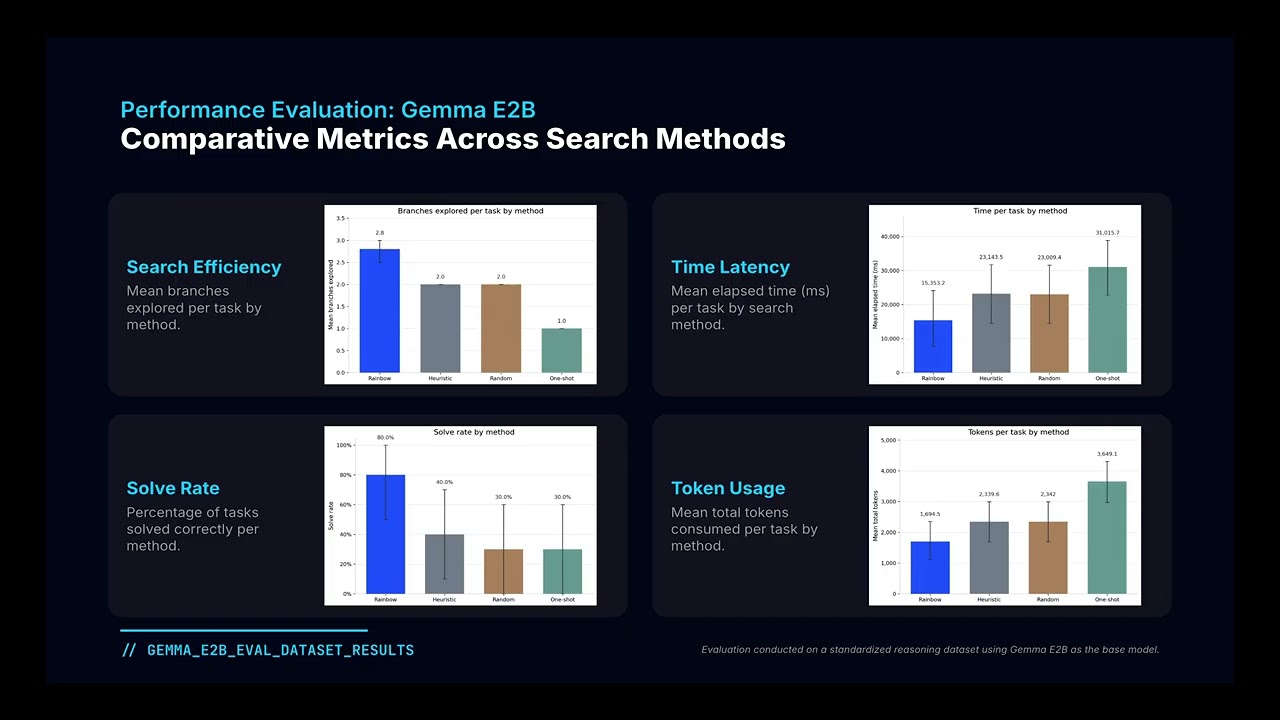
We built a self-healing coding agent that searches over compact DSL implementation plans before generating code. The LLM proposes semantic reasoning branches…

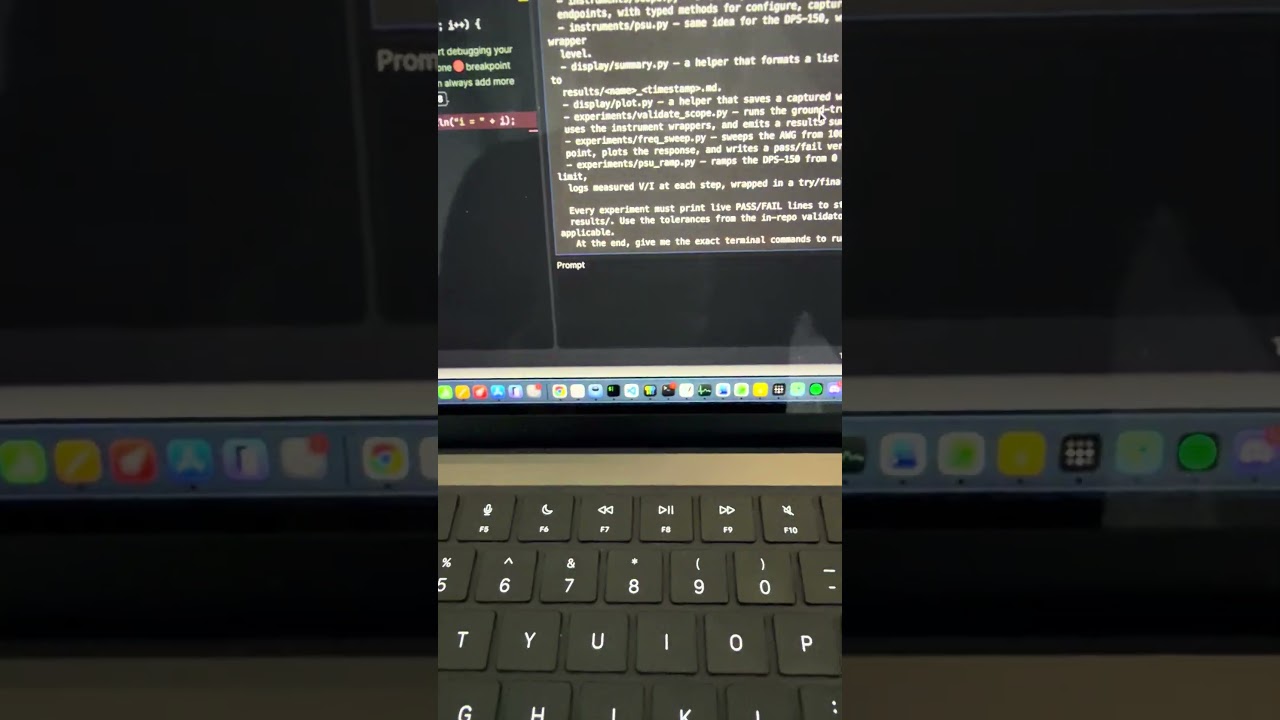
Scopecreep turns your JetBrains IDE into an agentic hardware testbench. Describe a test in plain English; an AI agent writes Python directly into your open…

Mesh Code: shared session state for coding agents. Install mesh-code-mcp in any IDE and any agent — Claude, Cursor, Codex — sees the same feature card, event…
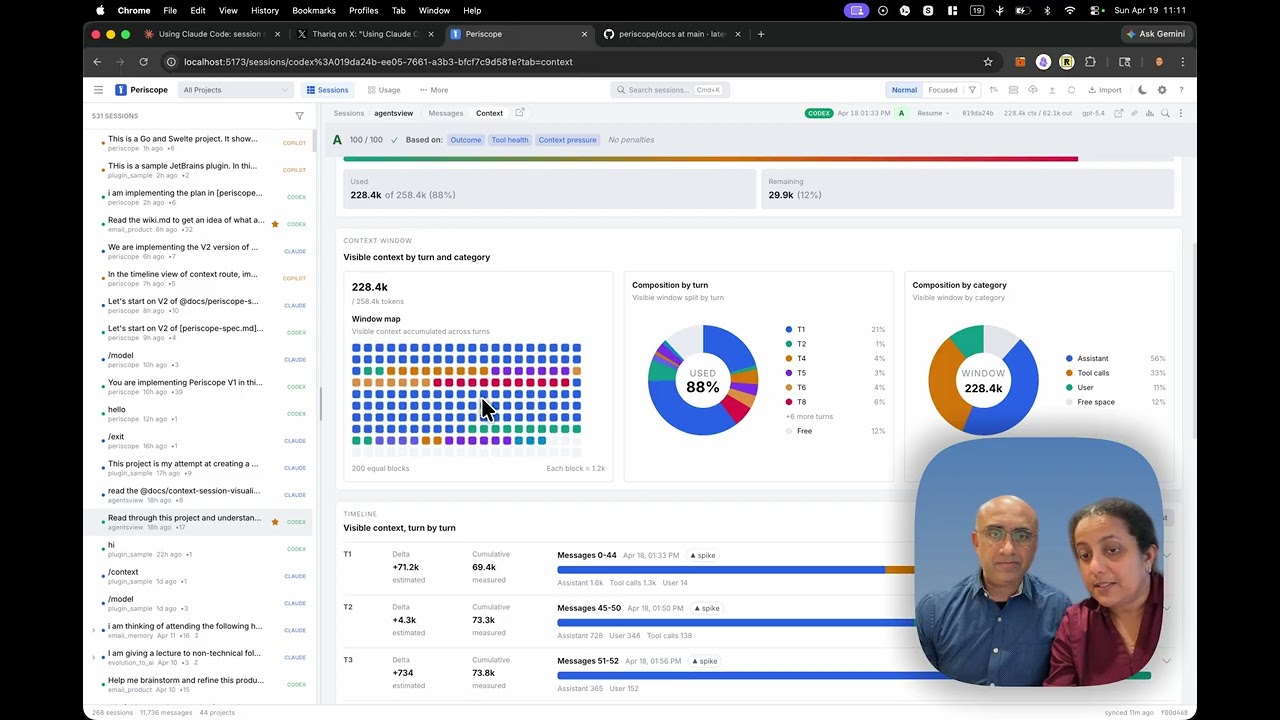
Periscope is a local-first viewer that shows you exactly what's in your coding agent's context window, turn by turn, and tells you what to do about it. What…

SecureLoop turns production Sentry alerts into Codex-generated, sandbox-tested, human-approved fixes inside JetBrains.
Pinpoint is a visual annotation overlay for frontend review. Not just that, it also helps pinpoint things in complex software :)