CST Solution
Built at Meta Global AI Developer Hackathon · Oct 26, 2026 · Remote
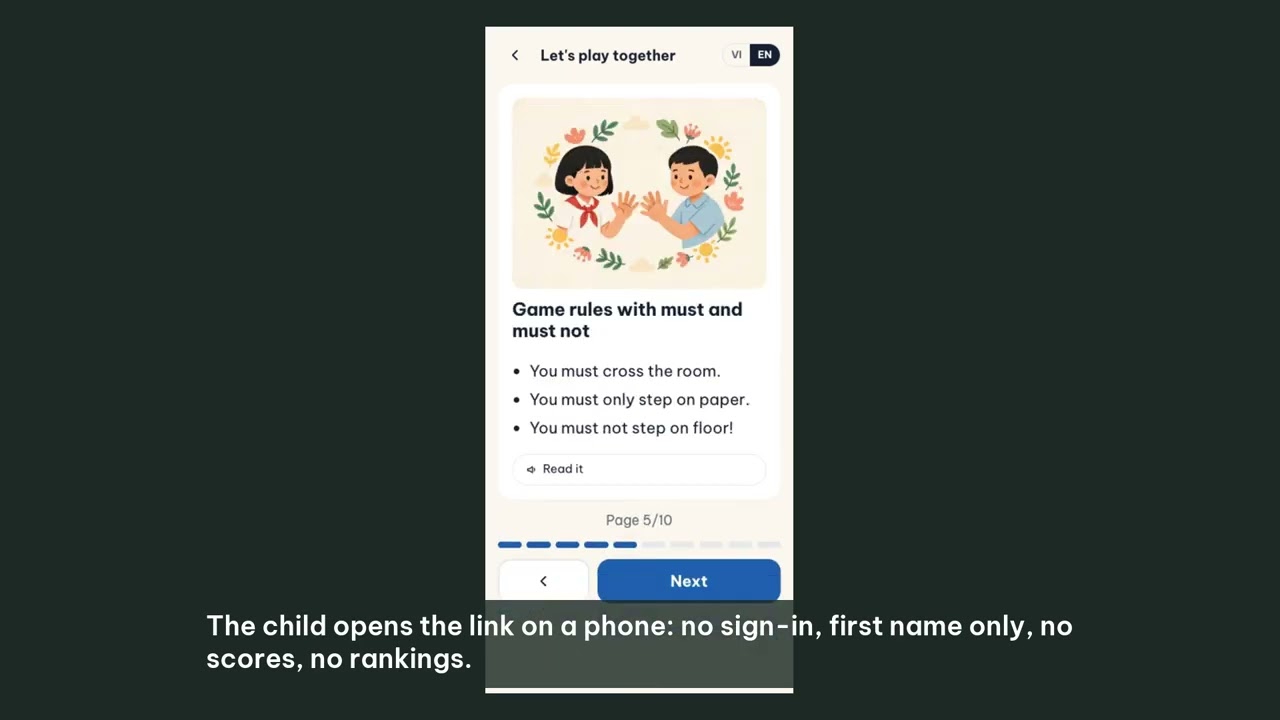
LessonBloom: lessons from your own books and your child's mistakes, checked before they reach a child. Whatever your role, teacher or parent, LessonBloom helps you make lessons and exercises from your books. Even with all the technology in schools, preparing lessons and exercises is still heavy work for teachers: the next lesson, the official exercises, extra practice, and versions for the children furthest ahead or behind. Schools invest in grade tracking, parent communication and ways to hand out assignments, but nothing helps the teacher actually make the lesson. Parents face the same problem from the other side: short of time and subject knowledge, the most they can do when a child gets homework wrong is explain it again and write a few exercises by hand, or pay for extra tuition. General AI tools are not a safe shortcut for either: they teach beyond the lesson, make up content that is not in the book, and get answers wrong. With the help of Meta's models we built LessonBloom to change how teachers prepare their work and how parents help their children learn. It is not a chatbot. It is a lesson studio and a children's practice page built around your own books: the textbook the teacher teaches from and the child learns from. How it works 1. Your books. Upload a PDF or photos of the pages; scanned textbooks are read page by page by Muse Spark. The book is split into parts and pages, private to you. 2. Your scope. Tick parts and pages, or tick skills on the book's skills map (Beta), which Muse Spark builds and code checks for completeness. 3. Your child's mistakes. Photograph a marked worksheet: Muse Spark reads each question, the child's answer and the mark, names the kinds of mistake, and the lesson opens with that child's own wrong sums. A sentence, a voice note, a book page or pasted text works too. 4. A checked lesson. A Muse Wonder agent writes slides, practice and flashcards through 8 tools from those pages only. For maths, code writes the question and the answer; every item passes a check for its type or is dropped and logged, the agent reads the rejections and tries again, and a second AI review follows. Muse Image draws the pictures and Muse Spark checks each one. English lessons become narrated videos. 5. For the child. A phone-friendly page from a private link or a class code: look at the lesson, one question per screen, hints chosen by code from the mistake, flashcards and a pairs game. No scores, no rankings; first names only; answers are checked on our server, never sent to the phone. 6. For the teacher or parent. Nothing is assigned until they tick "I have read and checked". Then they see which skills are mastered and which mistakes keep coming back, per child, with advice, a learning path and reminders. Who it is for, and what changes Primary teachers and parents of children in grades 1 to 5, English first with Vietnamese as a second language; Vietnam alone has about 8.9 million primary pupils and 393,000 primary teachers. From uploading the material to assigning the lesson takes 8 to 10 minutes, measured on the live site, and costs about $0.53 in model calls, instead of an evening of the teacher's time. A mother of a grade-4 pupil at a public school: "My child goes to extra tuition because I am too busy to explain lessons or make exercises myself. LessonBloom is exactly what I was looking for." The teacher and the parent stay in charge. Everything LessonBloom makes is a draft until a teacher or parent has read it, changed what they want and ticked "I have read and checked". The AI does the preparation; the adult keeps the judgement and the responsibility. Built during the hackathon. Every line of this repository was written from 27 October (HACKATHON.md lists it day by day); only the product rules come from our earlier LessonBloom, no code. Team: Hoang Vinh Son (engineering) and Khanh Chi Nham (product design, review and testing with teachers and parents), CST Solution, Hanoi. Path to a product: parents pay for unlimited home practice and a weekly report; teachers get a Pro plan. For judges. Live at https://lessonbloom-meta.cstsolution.com (best in Chrome). "Try it now" needs no sign-up (120 credits, about one lesson plus a skills map); for more, sign in with your email, open the credits box and enter JUDGE-57YSEEBN for 3,000 credits. Then: Knowledge, add a book or use a sample; New lesson, tick pages or skills, or add a photo of a marked worksheet; review; assign; open the child's link on a phone.