Thalvi
Built at Meta Global AI Developer Hackathon · Oct 26, 2026 · Remote
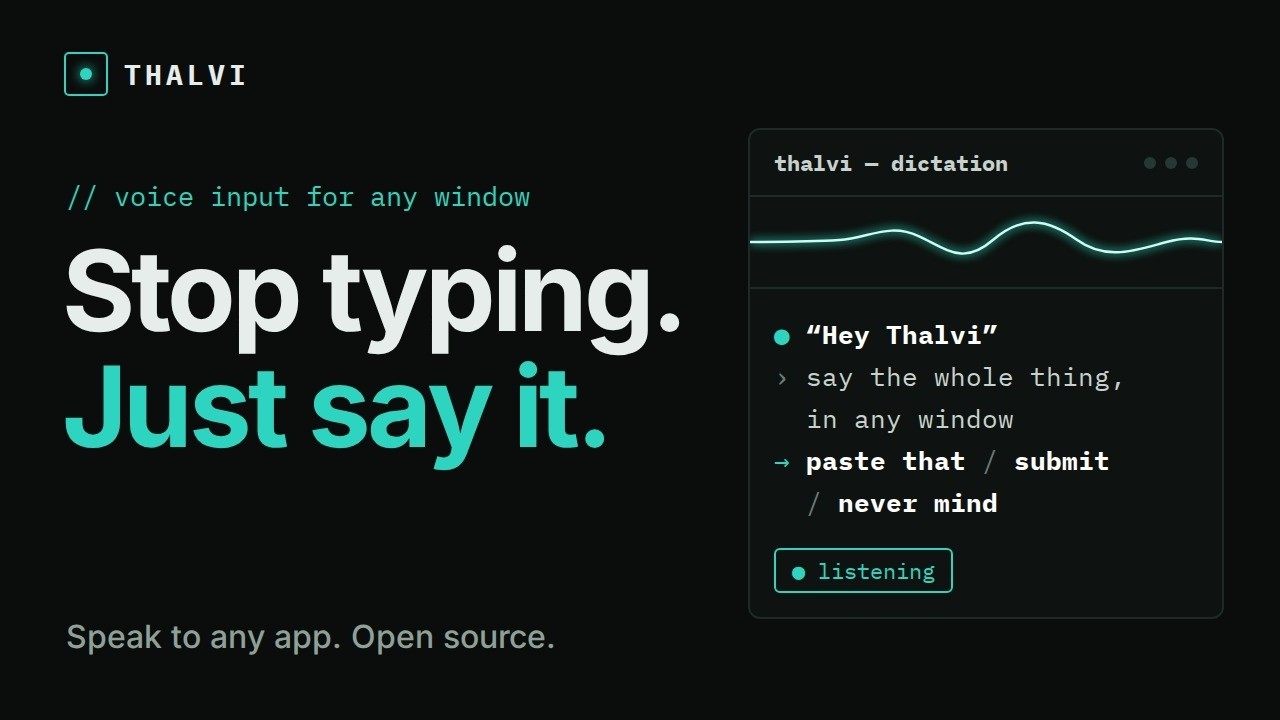
Thalvi lets you speak instead of typing, in any window, including to your coding agents. Typing a good prompt is a chore, so people write short ones. They leave out the context an agent needs, or start a long request and give up halfway. Speaking takes that barrier away: you can say the whole thing, with the file, the cause, what not to touch and how to check the result, without stopping to type it. Say "Hey Thalvi" in any window and talk. Nothing is typed while you speak, and at the end you decide what happens: - "paste that" types it into the window you started in - "submit" also presses Enter - "scratch that" drops the last part - "never mind" drops all of it - "do that" opens a site you name or runs an action you set up beforehand You can add your own phrases and scripts in Settings. You can look at another agent or a diff while you talk, and the words still land in the window you started from. Submit names its target and counts down, and speaking cancels it. If something fails, Thalvi says what happened in plain words and keeps your text. If you would rather press a key, hold F9 on Hyprland or Alt+Z on Windows, talk, and let go. The demo film shows this on a real task. One spoken prompt, including a correction, goes to Muse Code, which finds and fixes a real bug in Thalvi and proves its test fails without the fix. A second agent asks how a landing page should look, gets its answer out loud, and builds it. The film also holds a key to dictate instead of saying the wake word, dictates a note to an agent working in an Obsidian vault, and opens sites with spoken commands, including a phrase and an ending added in Settings. Away from your desk, the web client holds a hands-free conversation on your phone, and you can talk over Thalvi to interrupt it. Thalvi is open source under Apache 2.0, with a Rust server, a Rust and Tauri desktop app and a TypeScript web client. The wake word runs on your own computer, and audio recording stays off unless you turn it on. Each model is an endpoint in a config file, so you decide where it runs. Limits: the desktop app runs on Hyprland and Windows; GNOME is not supported yet. The film was recorded on Hyprland. Thalvi waits briefly before pressing Enter so terminal agents don't read it as a new line; that fix is Hyprland-only so far, and "submit" into terminal agents hasn't been tested on Windows. "Do that" runs configured actions, not free-form requests. Muse Code's question menus need a keyboard, so the film asks for questions in chat. The phone conversation still needs Meta's recognizer protocol, while dictation can run offline. Download: https://github.com/NotPellew/Thalvi/releases/latest