Soma turns what’s on your screen into an explanation you can explore. A diagram can show you the answer without helping you understand why it works. Soma lets you ask about that diagram, lift it off the page, and change it. The explanation stays beside the material you were already reading, so you can follow your curiosity without moving everything into a separate conversation. Select a region of your screen and ask a question. Muse Spark reads the visible context and plans a visual explanation. Soma brings it onto your screen with narration, step controls, and interactive graphics. You can explore further in the app, ask follow-up questions about your changes, and save the result. Our demo shows this across three subjects: • A shortest-path graph becomes an interactive experiment. Ask why a route wins, change an edge’s cost, or remove a connection and watch the result update. Then ask Soma to find a tipping point. Muse chooses which connection to investigate, calls the solver to test changes, and uses the results to identify where the winning route changes. • A four-stroke engine lifts from a slide into an animated 3D cutaway. Muse chooses the teaching poses, crank angles, and parts to highlight. Soma renders and animates a built-in illustrative engine, showing why the piston returning to the top after one revolution does not complete the four-stroke cycle. • A bridge circuit becomes a manipulable electrical model. Adjust a resistance to reach balance, then move through that point and watch the current reverse. Node voltages and branch currents are calculated as you explore. Meta’s models drive the interpretation and investigation. Spark reads the selected image, produces structured scene specifications, chooses experiments, uses tools, and writes explanations grounded in the current state. Muse Wonder reviews diagram readings and explanations. During our recorded graph run, Wonder caught an incorrect statement about the traversal order; Spark revised it before the explanation was shown. The graphics come from validated scene specifications rendered by Soma, including Three.js for 3D. Dedicated graph and circuit solvers compute quantitative results. This gives the model useful feedback: it can propose a change, inspect what happened, and build an explanation around the result. Follow-up questions retain the experiment’s current settings. Gemini TTS provides spoken narration. We built Soma around a desktop companion and web workspace, with bounded model calls, validated outputs, saved revisions, and inspectable execution records. The demo combines actual screen recordings with original example materials; the engine’s geometry and motion are illustrative, while graph and circuit results are computed. Soma makes curiosity actionable. When something on your screen makes you wonder, you can reach into it, change something, see what happens, and ask why.
More from Meta Global AI Developer Hackathon
Cardo turns the world around you into Kurdish flashcards. Kurdish is spoken by tens of millions of people, but it has very few learning tools, and most…


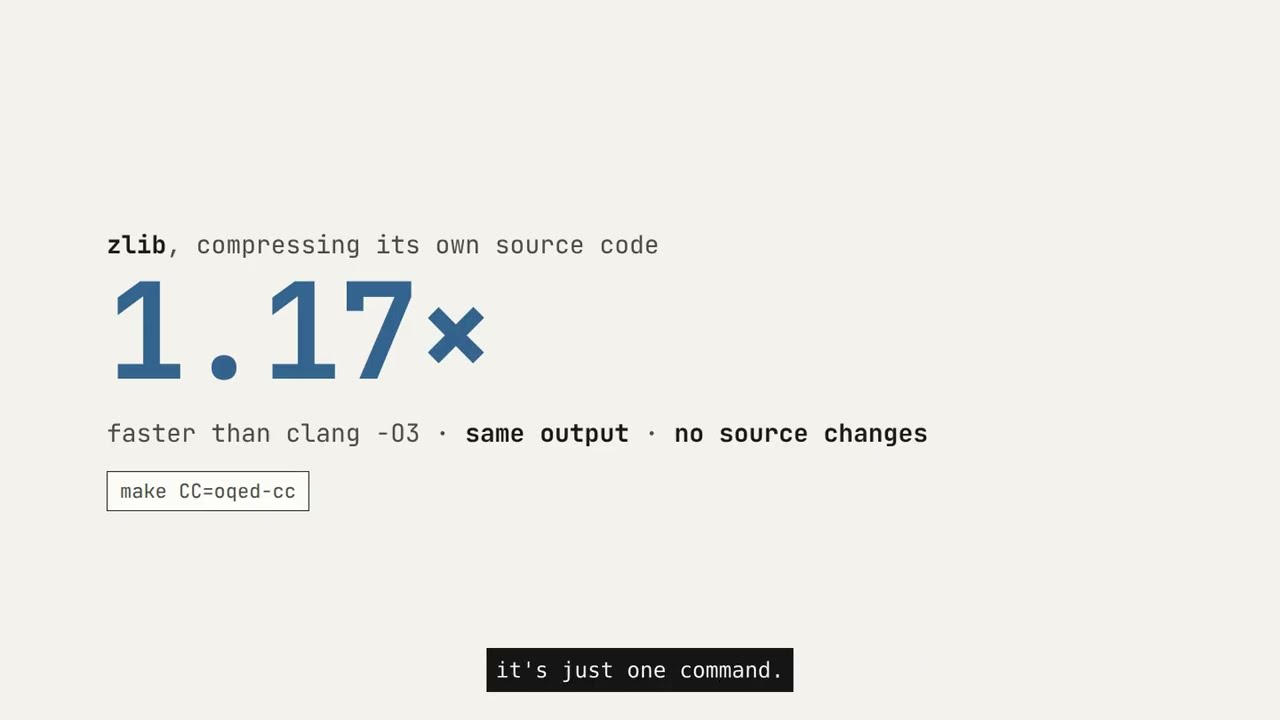
oqed is an LLM-guided superoptimizer for x86-64. You point it at a C or C++ project and it does the rest: - builds the project and runs its workload…

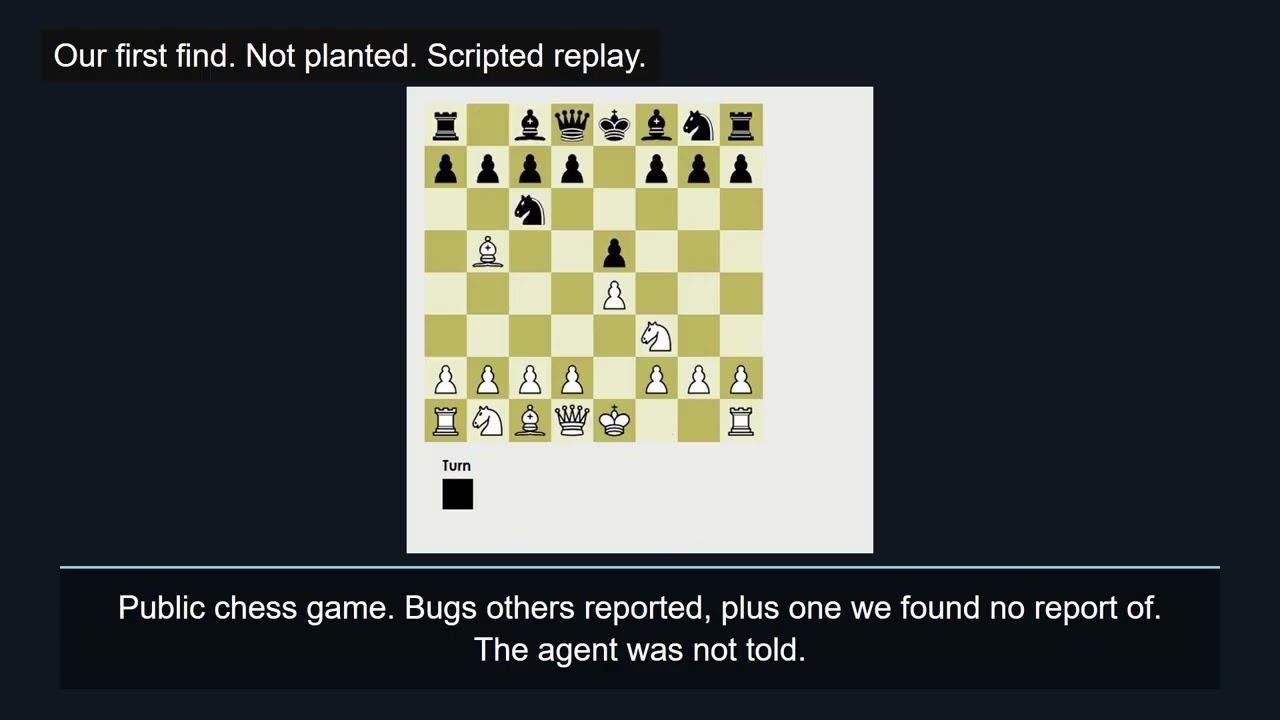
Playtest Agent plays a game from screenshots, looks for bugs, then replays each report and has a judge check it. I make games alone. Solo developers and…

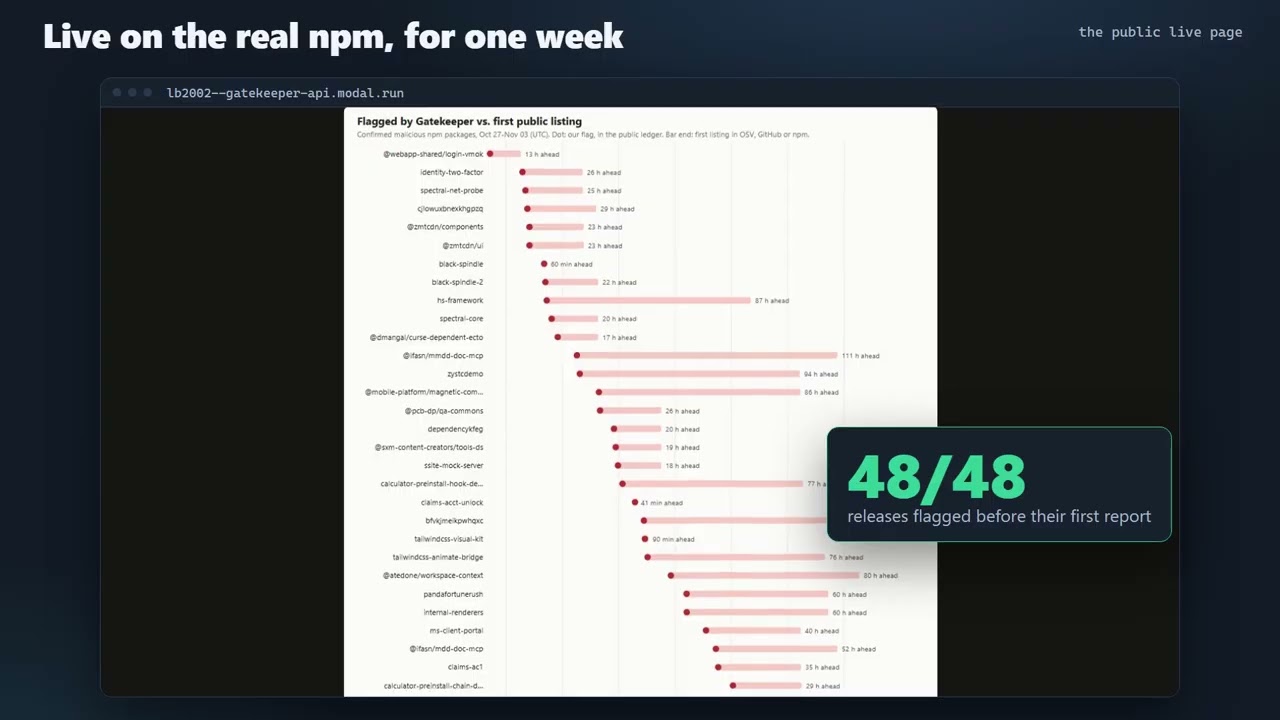
Open-source npm malware detection on Meta's models: a live monitor that flags new malware about a day before the public lists, a Muse agent that investigates…

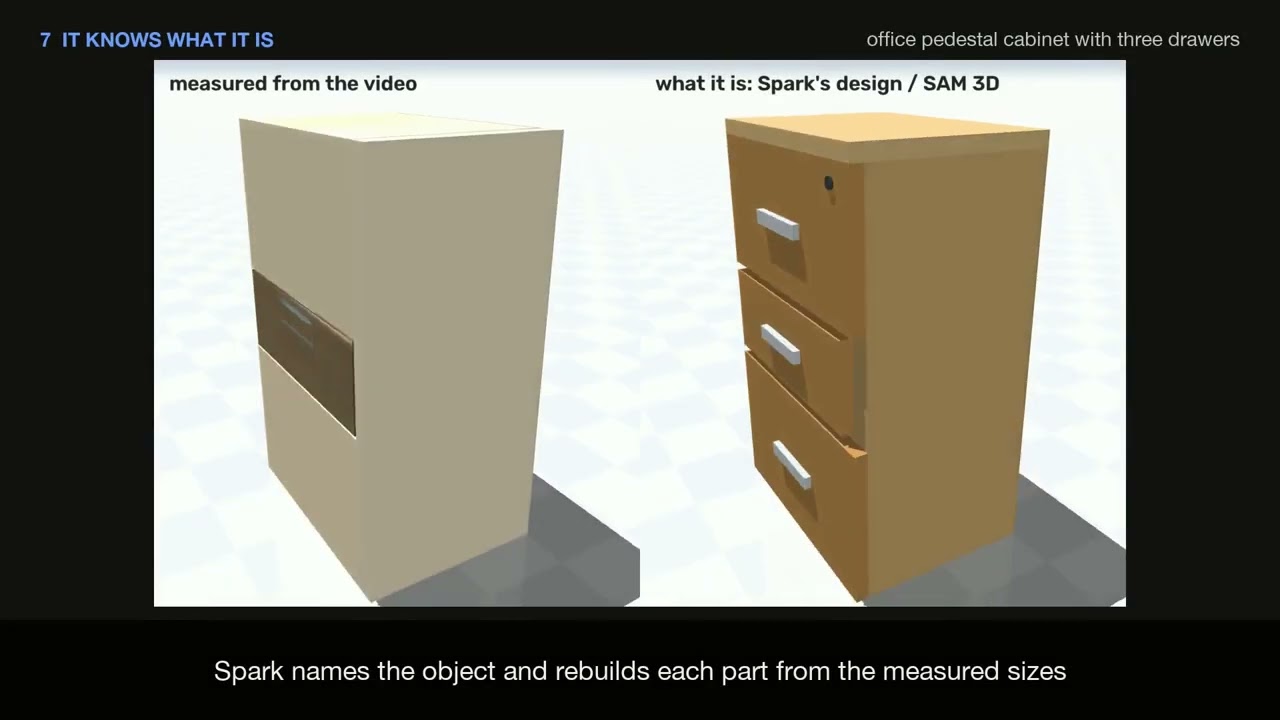
Video2URDF turns one short phone video of a real articulated object (a laptop lid, a drawer, a desk lamp, a microwave door) into a measured URDF/MJCF a robot…

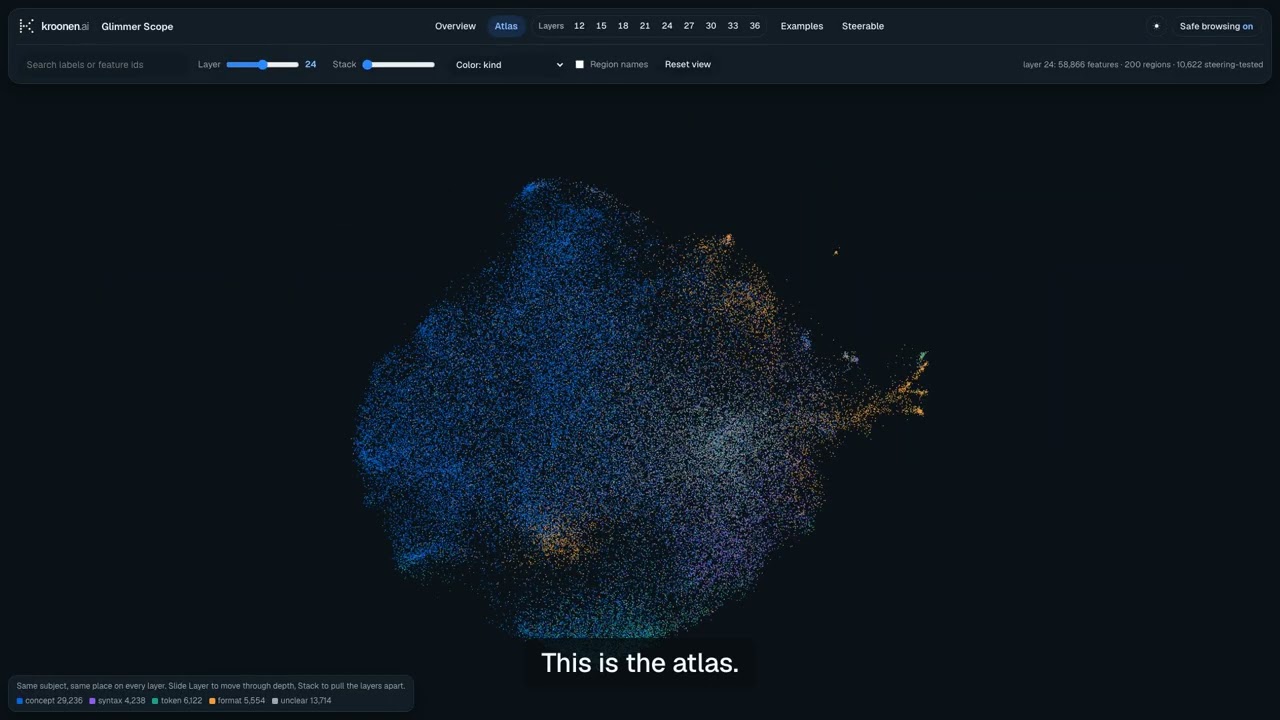
Glimmer Scope opens up Muse Glimmer 30B so you can see and steer the concepts it thinks with. I trained sparse autoencoders on nine layers of Glimmer's…