# AURA – AI-Powered Multimodal Accessibility Assistant ## Overview Aura is a voice-first, multimodal AI accessibility assistant I developed to help visually impaired individuals understand their surroundings and access information. Rather than offering only one-time image captions, Aura combines visual understanding, contextual memory, object-focused interaction, and voice assistance. Users can share images, ask questions in natural language, and receive clear explanations and spoken responses. ## Key Features **1. Assist – Understand surroundings** Users can upload or capture an image and ask Aura about the scene. It identifies objects, signs, and details, then explains them simply. Users can ask follow-up questions and hear spoken responses. **2. Find – Recall previous observations** Aura uses session-based memory to refer to details observed earlier. Users can ask about an object or piece of information they previously showed, such as where an item was last seen. This enables contextual rather than isolated image queries. **3. Explore – Read and understand information** Users can share documents, signboards, directories, and text-heavy images. Aura extracts and explains information, helping users understand notices, room directories, and instructions. **4. Navigation – Interpret directional information** Aura interprets visible room numbers, signs, and destination information. It distinguishes what an image visually indicates from what the user has actually confirmed, avoiding unsupported claims that someone has reached a destination. ## Technology Stack I used Meta Muse Spark for visual understanding and reasoning, and SAM 3.1 for goal-conditioned visual object isolation. The frontend is built with React and TypeScript, while the backend uses Python and FastAPI. I implemented session memory for follow-up questions and the Web Speech API for voice interaction and spoken responses. ## What Makes Aura Different? Aura is designed as a conversational assistant, not just an image-captioning application. It can refer to earlier observations, answer follow-up questions, and provide explanations in context. It brings visual understanding, memory, object-focused interaction, and voice into one experience. ## Privacy, Reliability and Safety Aura uses bounded, time-limited session memory. It retains text and structured observation details for contextual interactions rather than storing raw images as session history. Safety checks distinguish visual evidence from user confirmation, especially in navigation. ## Vision and Impact My goal is to make everyday visual information more accessible through practical multimodal AI. By helping users understand surroundings, read information, recall earlier observations, and ask questions naturally, Aura aims to support greater confidence and independence. **Aura – Helping people understand the world, one interaction at a time.**
More from Meta Global AI Developer Hackathon
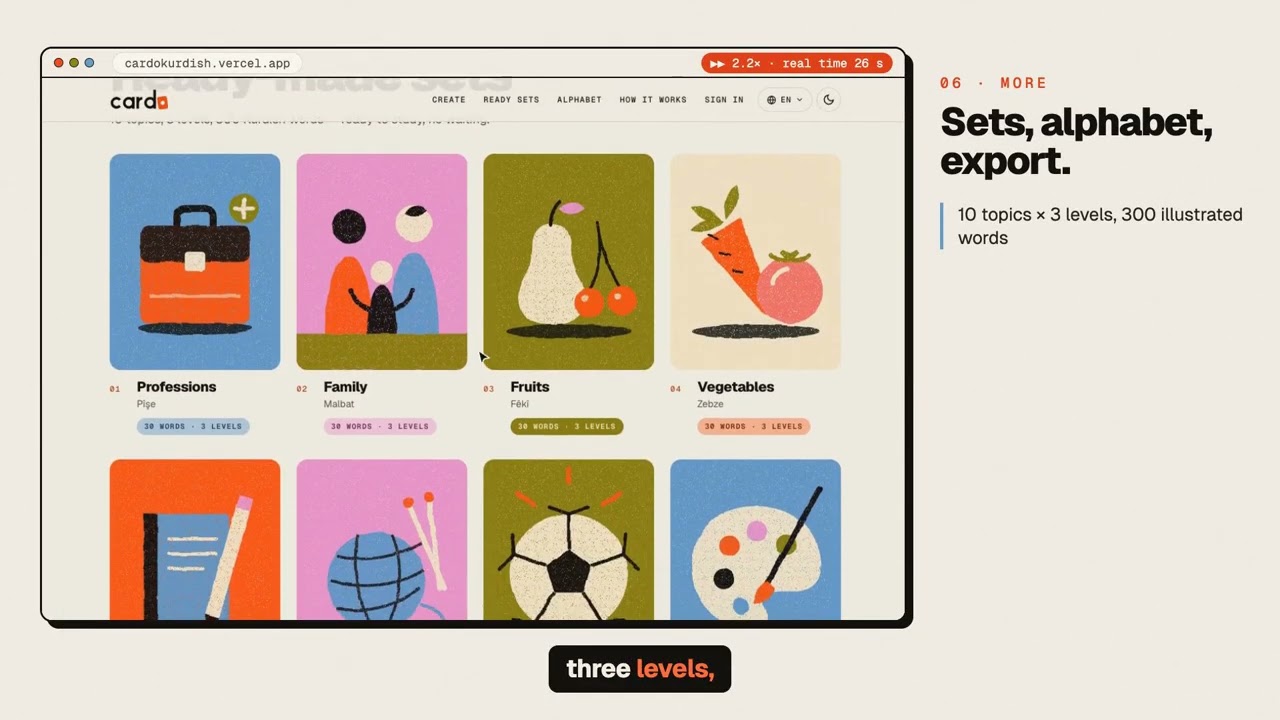
Cardo turns the world around you into Kurdish flashcards. Kurdish is spoken by tens of millions of people, but it has very few learning tools, and most…

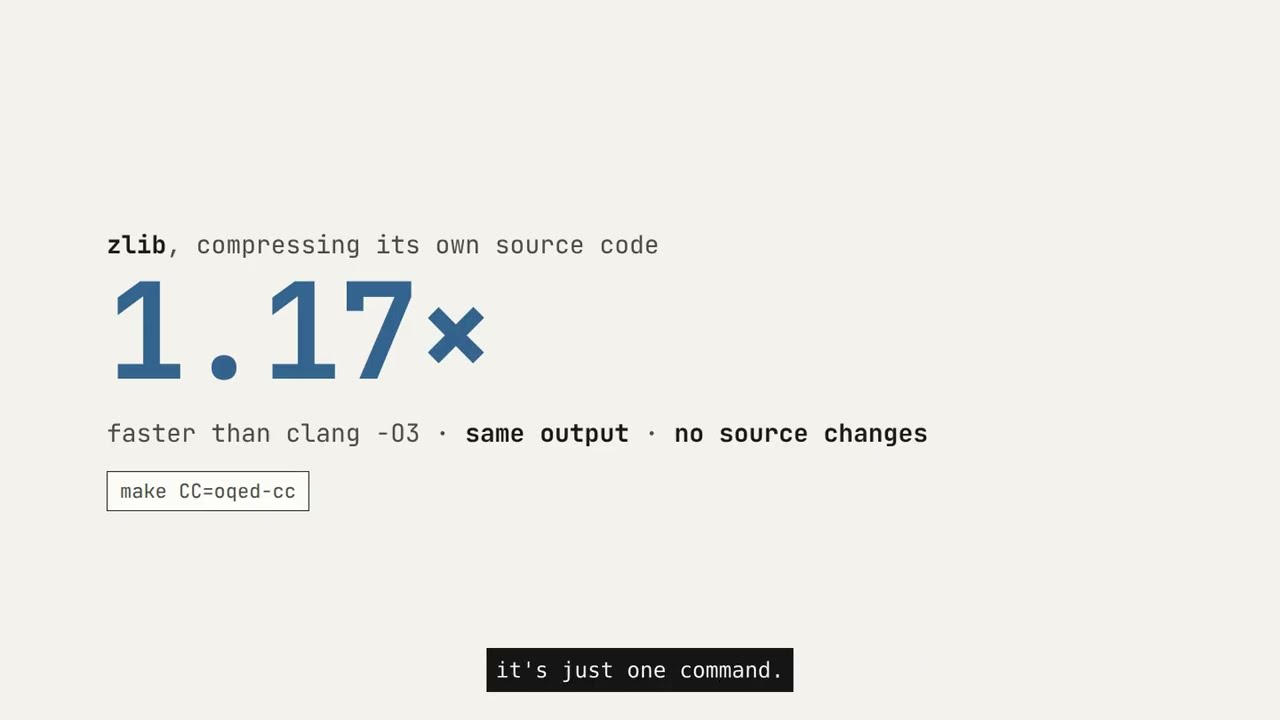
oqed is an LLM-guided superoptimizer for x86-64. You point it at a C or C++ project and it does the rest: - builds the project and runs its workload…

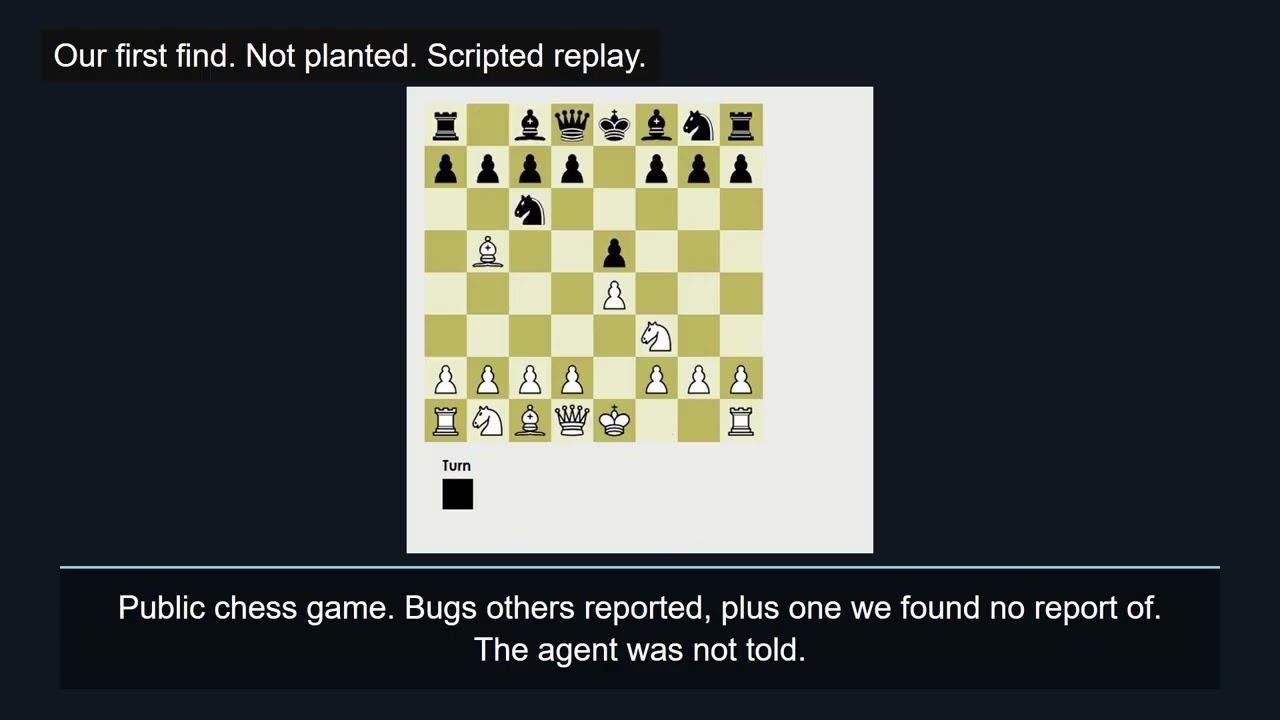
Playtest Agent plays a game from screenshots, looks for bugs, then replays each report and has a judge check it. I make games alone. Solo developers and…
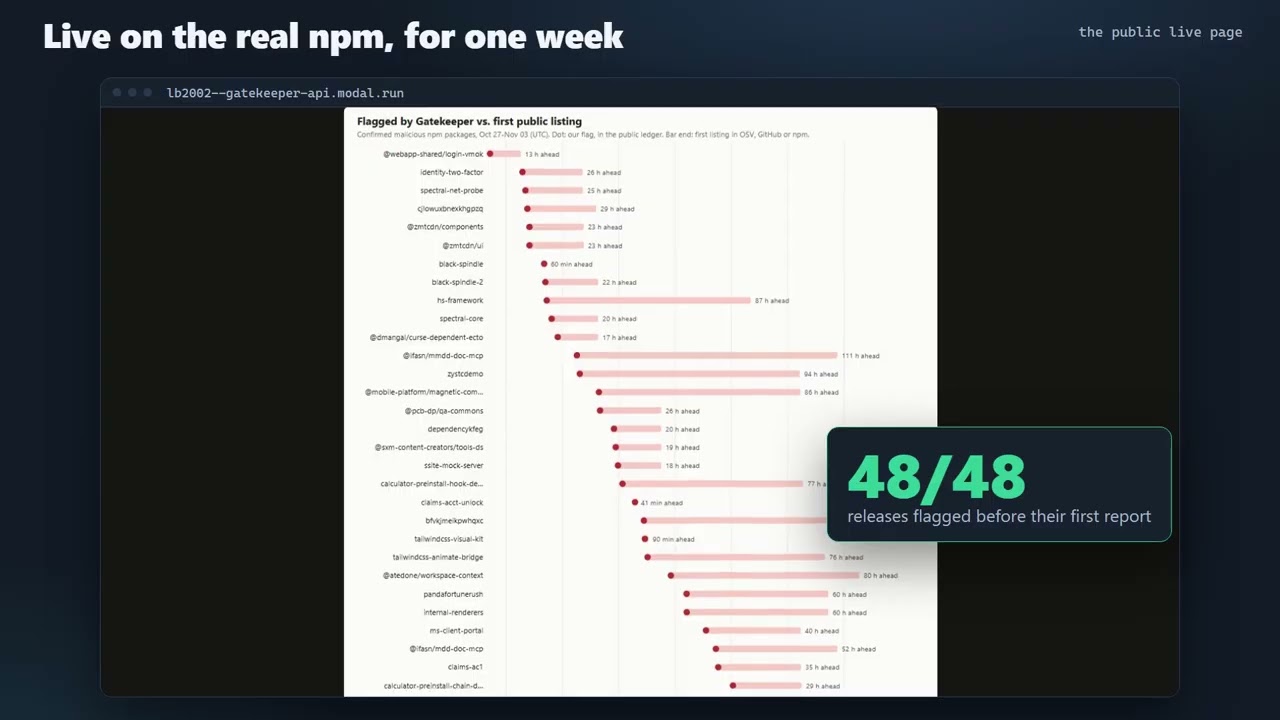
Open-source npm malware detection on Meta's models: a live monitor that flags new malware about a day before the public lists, a Muse agent that investigates…

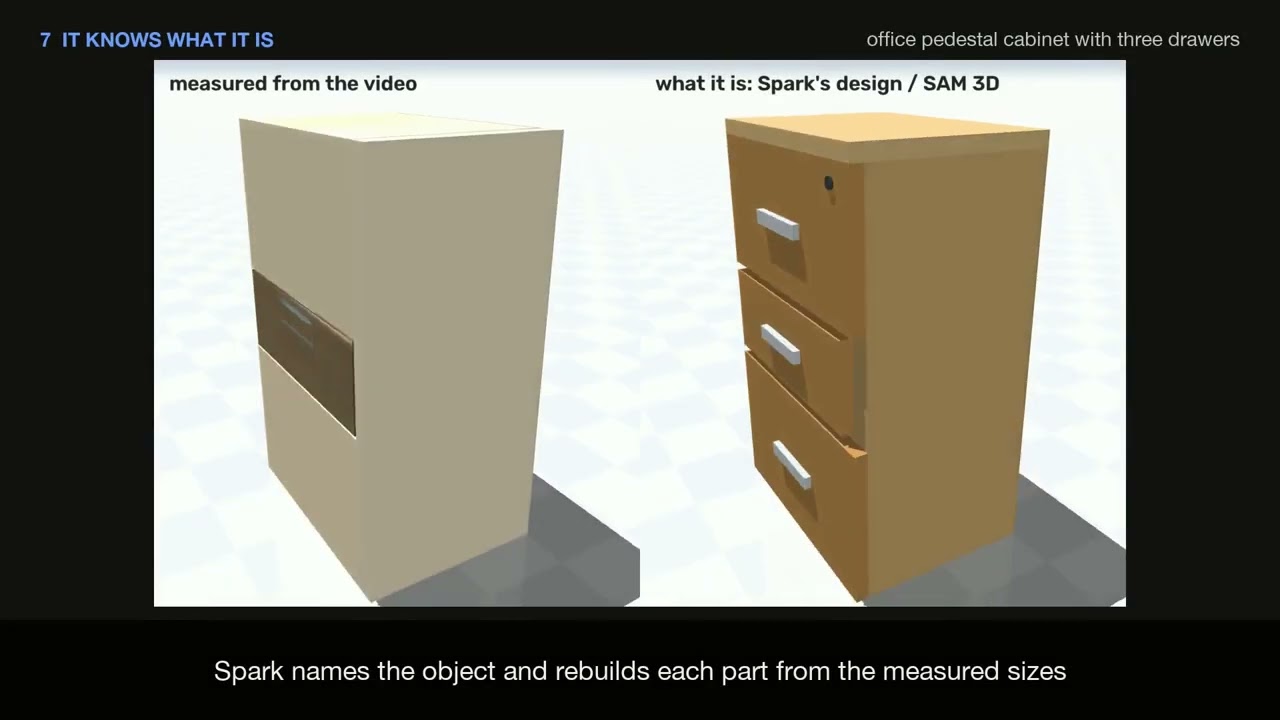
Video2URDF turns one short phone video of a real articulated object (a laptop lid, a drawer, a desk lamp, a microwave door) into a measured URDF/MJCF a robot…

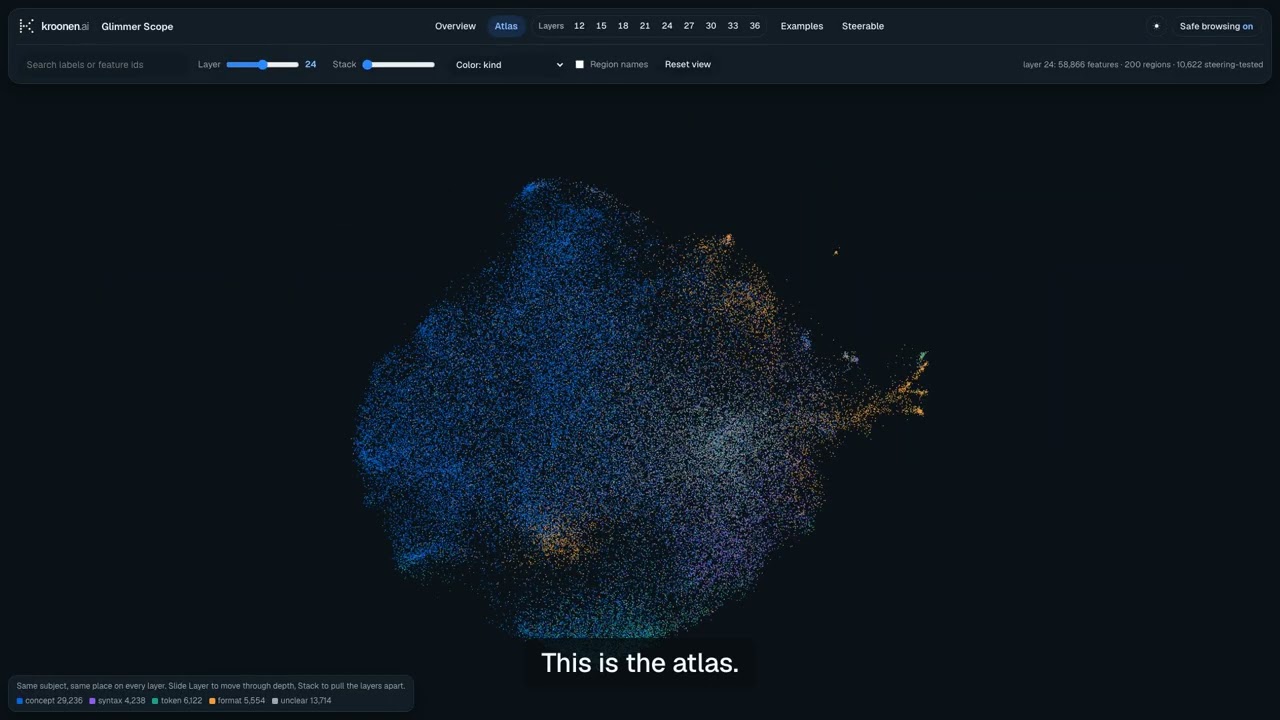
Glimmer Scope opens up Muse Glimmer 30B so you can see and steer the concepts it thinks with. I trained sparse autoencoders on nine layers of Glimmer's…