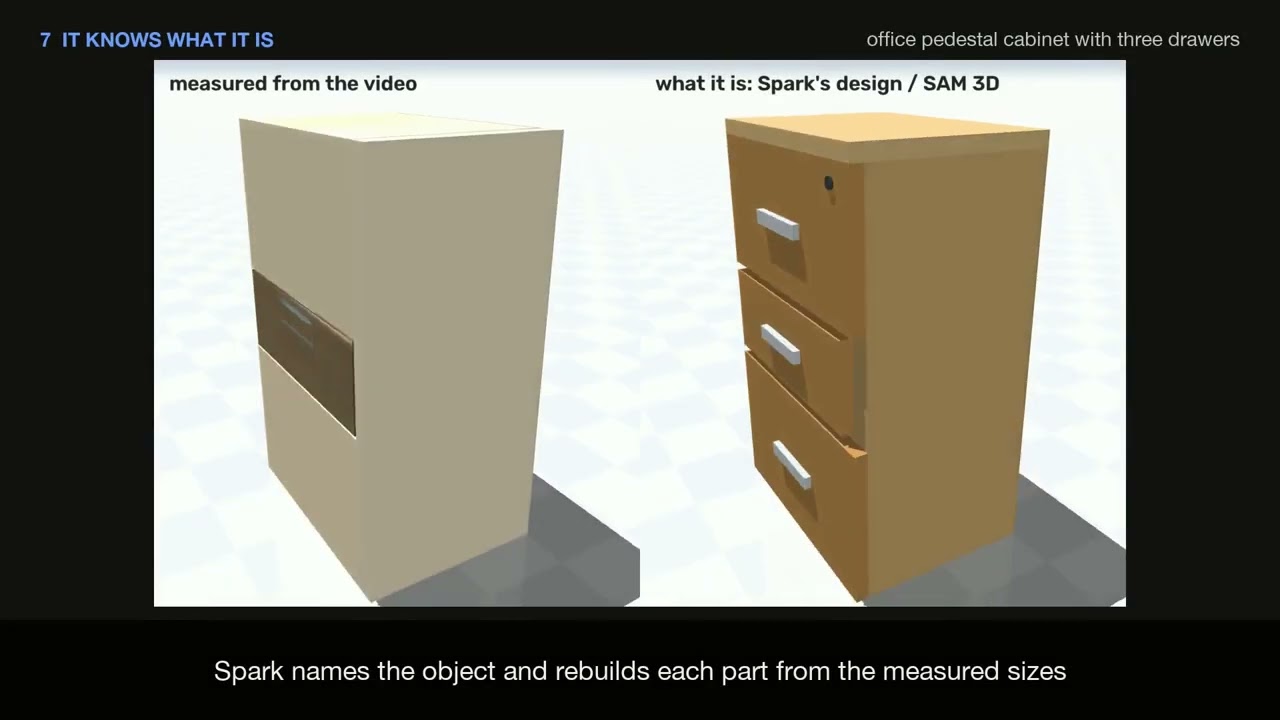
Working on a project means moving between a file manager, a browser, an editor, a terminal and specialist apps. The work is connected; the tools are not. Viewer is a Mac file explorer that opens more than 300 kinds of file and keeps folders, files, a browser and a terminal side by side as planes in one 3D workspace. Viewer and Plurid, its spatial engine, existed before the event. During the hackathon I made Viewer a place where Meta's models do real project work, in two ways. Generated tools. Meta builds and changes the interface a task needs, beside the project files, then operates it through the same controls I use. In the film, Muse Spark extends a robotics plugin with a results table, runs its calculations to choose where to mount an arm, changes its recommendation when I reserve part of the bench, and checks an alternative in a branched conversation. The tool, its inputs and its results are saved and reopen without a model. Laser-job checks. I prepare laser jobs, where one wrong number costs a sheet of steel and a day. Muse Spark reads the customer's email, the drawing pages and photos. SAM 3.1 outlines the feature in question. Viewer measures every DXF itself and grades each finding. On 8 synthetic jobs checked 3 times each with the released build, Muse Spark found all 30 planted problems, raised none that was not there, and every one of its 127 quotes was found on its page. A reviewed correction is written beside the original and nested for cutting. Spoken requests use Muse Voice Transcribe. The model proposes; Viewer verifies, keeps the originals and asks before anything changes. Viewer 1.0.0 is a signed, notarized Mac app with a public repository. Its robotics demo opens and runs without a key; asking Meta and the laser check need a Meta Model API key. Try it (Apple silicon, macOS 14+). Install the release, extract Viewer-1.0.0-Demo.zip and open its Viewer Demo folder with ⌘⇧O, then ⌘K Chat about files → Open canvas… → Front: evaluate the mounts with and without the reserved area, and open Rear beside it. With a Meta key (Settings → Models, Text and pictures), ask the tool for a change, or open the repository's examples/laser-job/Job 1042 and run ⌘K Check laser job…; its README explains the steps and the grades.
Team